
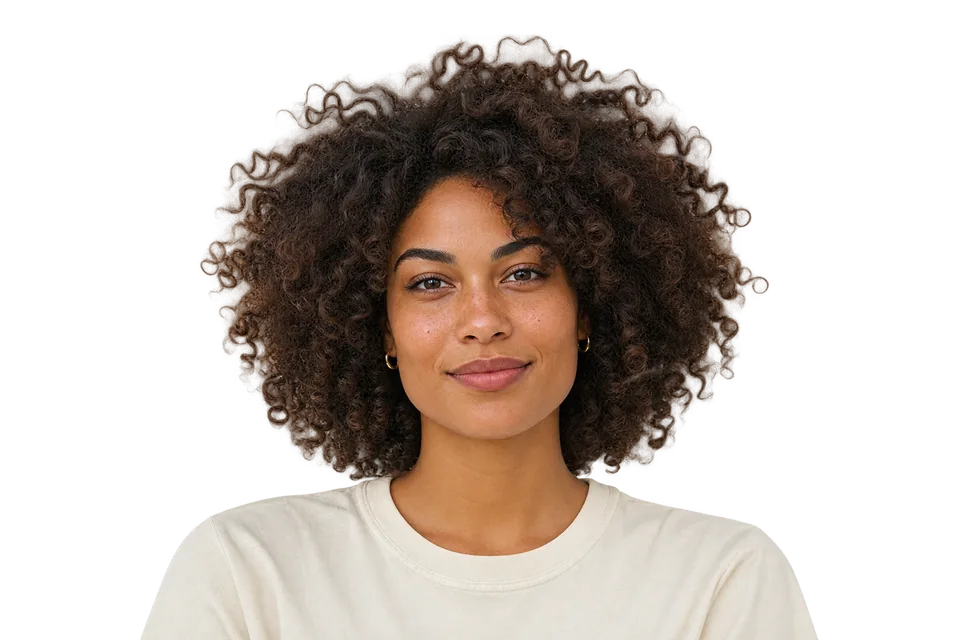

Curly Hair, Pets & Fine Fur
Soft edge cleanup preserves fine hair strands, pet fur, and whiskers without leaving harsh white or colored halos around your subject.
Drop any photo and let AI isolate the subject in seconds — crisp hair, clean edges, no signup.
Drop photos or folders here, or paste a photo.
PNG · JPG · WebP · HEIC
3 full-resolution cutouts every day · Lifetime Unlimited $2 (Pay once • Forever)
No image? Test AI on hair & busy scenes:
No Photoshop skills, no signups, and no confusing menus.
Drop any PNG, JPG, WebP, or iPhone HEIC photo directly into CleanBG, or press Ctrl+V to paste an image from your clipboard.
AI separates your subject cleanly — even around curly hair, pet fur, and product edges — and removes background color glow.
Keep a crisp transparent PNG, switch to pure white or a studio gradient in one click, or export an entire product batch as a ZIP.
Whether you sell online, design thumbnails, or update a profile picture, CleanBG delivers clean cutouts fast.
Soft edge cleanup preserves fine hair strands, pet fur, and whiskers without leaving harsh white or colored halos around your subject.
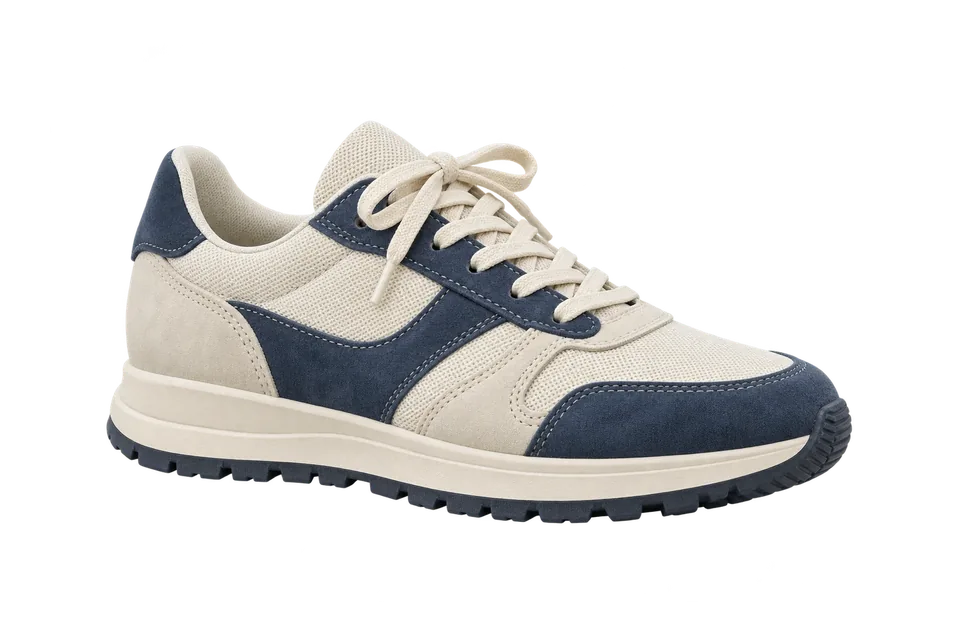
Create compliant pure-white product photos for Amazon, Trendyol, Etsy, and Shopify. Auto-center items, add natural drop shadows, and export exact marketplace dimensions.
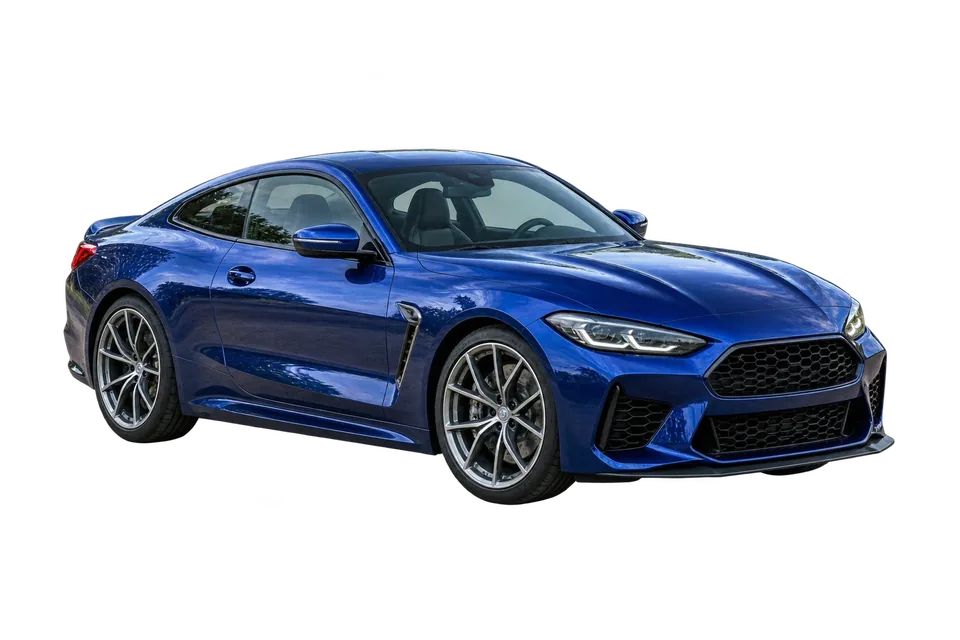
Make vehicles, furniture, electronics, and secondhand items stand out on listing feeds with distraction-free studio backdrops.
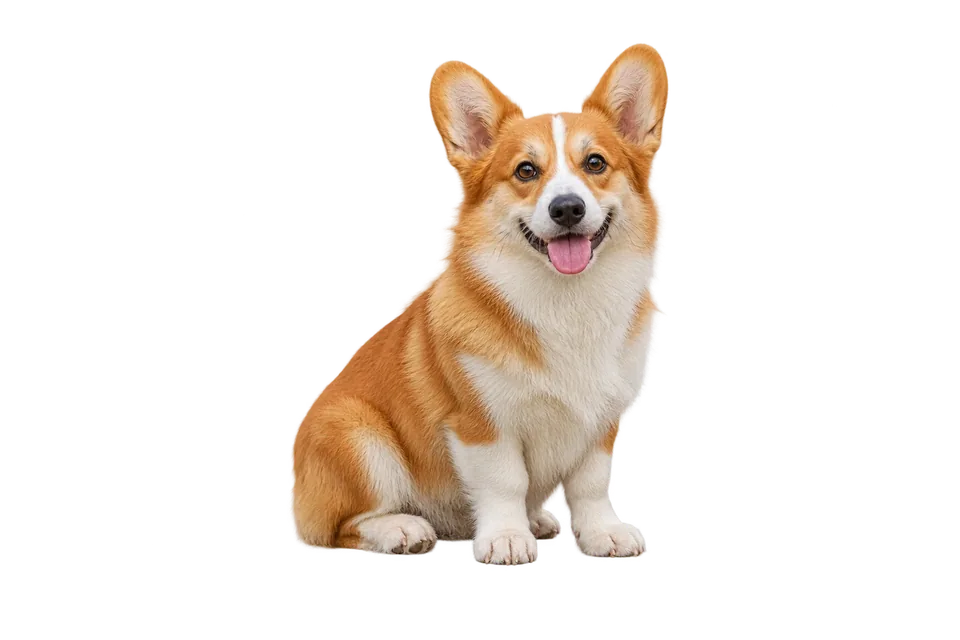
Cut out people or objects in seconds to build eye-catching YouTube thumbnails, Instagram posts, TikTok covers, and clean digital stickers.
Turn everyday selfies into clean LinkedIn headshots, team bios, and passport-ready portraits by swapping busy rooms for clean neutral backgrounds.
Extract clean transparent PNG assets ready to drop straight into presentations, Canva, Figma, flyers, or custom print merchandise.
Every plan includes full-resolution exports, zero watermarks, no account required, and PNG, JPG, WebP, and iPhone HEIC support.
For everyday portraits, resumes, and occasional edits.
For online stores, designers, and batch product catalogs.
| Feature | Monthly Subscriptions | CleanBG |
|---|---|---|
| Free full-HD downloads | Low-res preview only | 3 full-HD cutouts free daily |
| Unlimited access cost | $9 – $19 every month | $2 once — yours forever |
| Photo privacy | Stored on external cloud servers | Private — never saved anywhere |
| Batch ZIP & store dimensions | Requires paid pro plans | Included with $2 lifetime |
Yes. Process up to 3 photos per UTC day without an account or watermark. Original-size downloads have a 2400 px limit on the longest side. Pro costs $2 once and includes unlimited cutouts.
Cutouts should not lock you into recurring fees. Most users only need occasional edits or one product upload at a time, so paying $2 once covers every future project.
Yes. Select the white background swatch in one click, add an optional soft drop shadow, and pick exact Amazon (2000×2000), Trendyol (1200×1800), Etsy (2000×2000), or Instagram sizes.
CleanBG removes leftover background color along fine strands and fur automatically. For tiny manual adjustments, switch to the Erase & Restore brush in the preview bar.
Yes. Paying $2 once sends you a lifetime license key that removes the 3-per-day limit and unlocks bulk ZIP downloads and store presets permanently.
Yes. Your photos and edits stay in your browser. CleanBG connects to the internet to load the AI model, check your daily allowance or Pro access, and count processing and download events.
Yes. Drop a folder of photos into the queue, apply shared white backgrounds, margins, or shadows across all of them, and export everything as one ZIP file.
Choose a PNG, JPG, WebP or iPhone HEIC/HEIF photo. Download a transparent PNG or WebP, or choose JPG for a solid background.


